Landmark End-of-Mod Project
Use one Landmark Project Notion entry throughout all three classes. Divide it into clearly labelled Parts 1, 2, and 3, and update the same entry before leaving each class.
Challenge
Create an original Tinkercad model of a real landmark, building, monument, or locally significant structure. Your model should be recognizable, proportionally thoughtful, and realistically printable while showing your own modelling decisions.
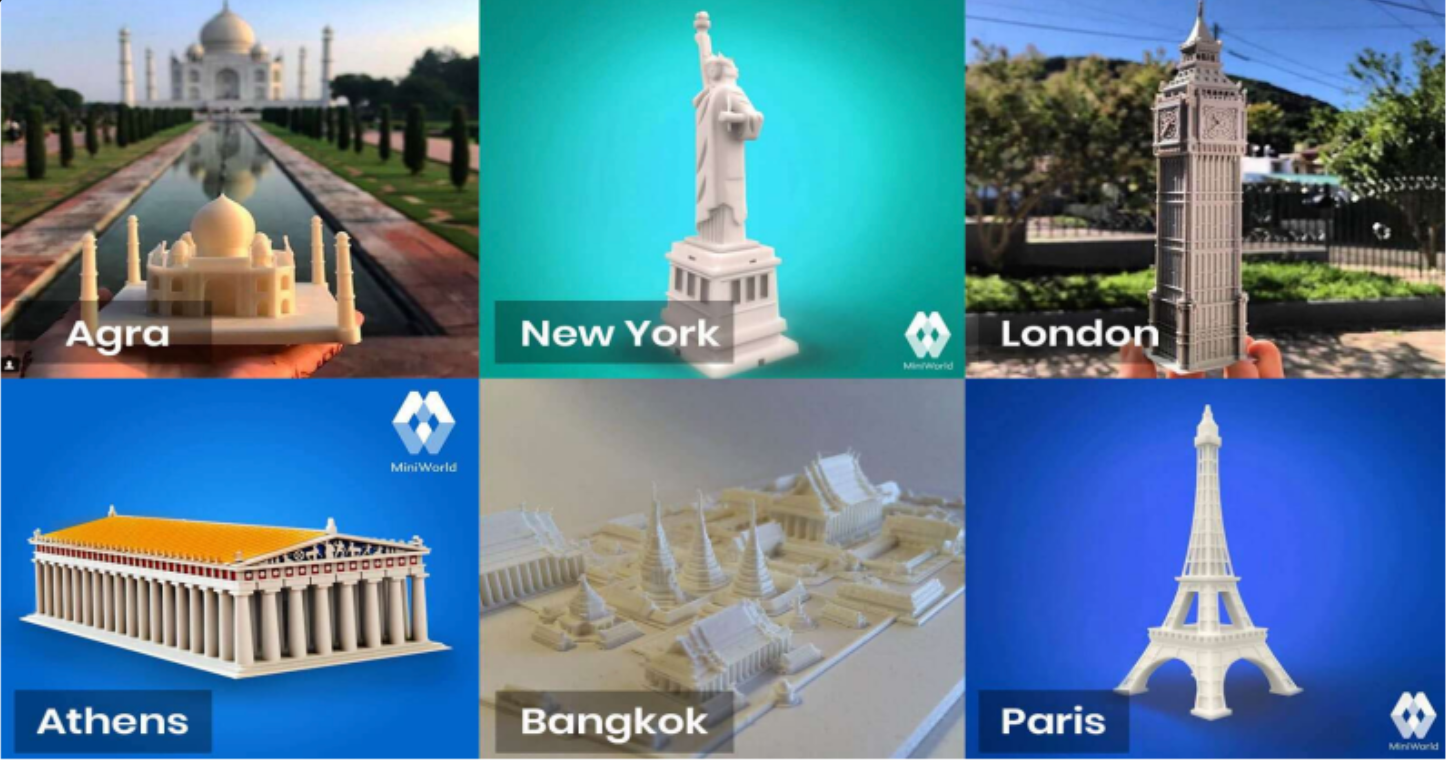
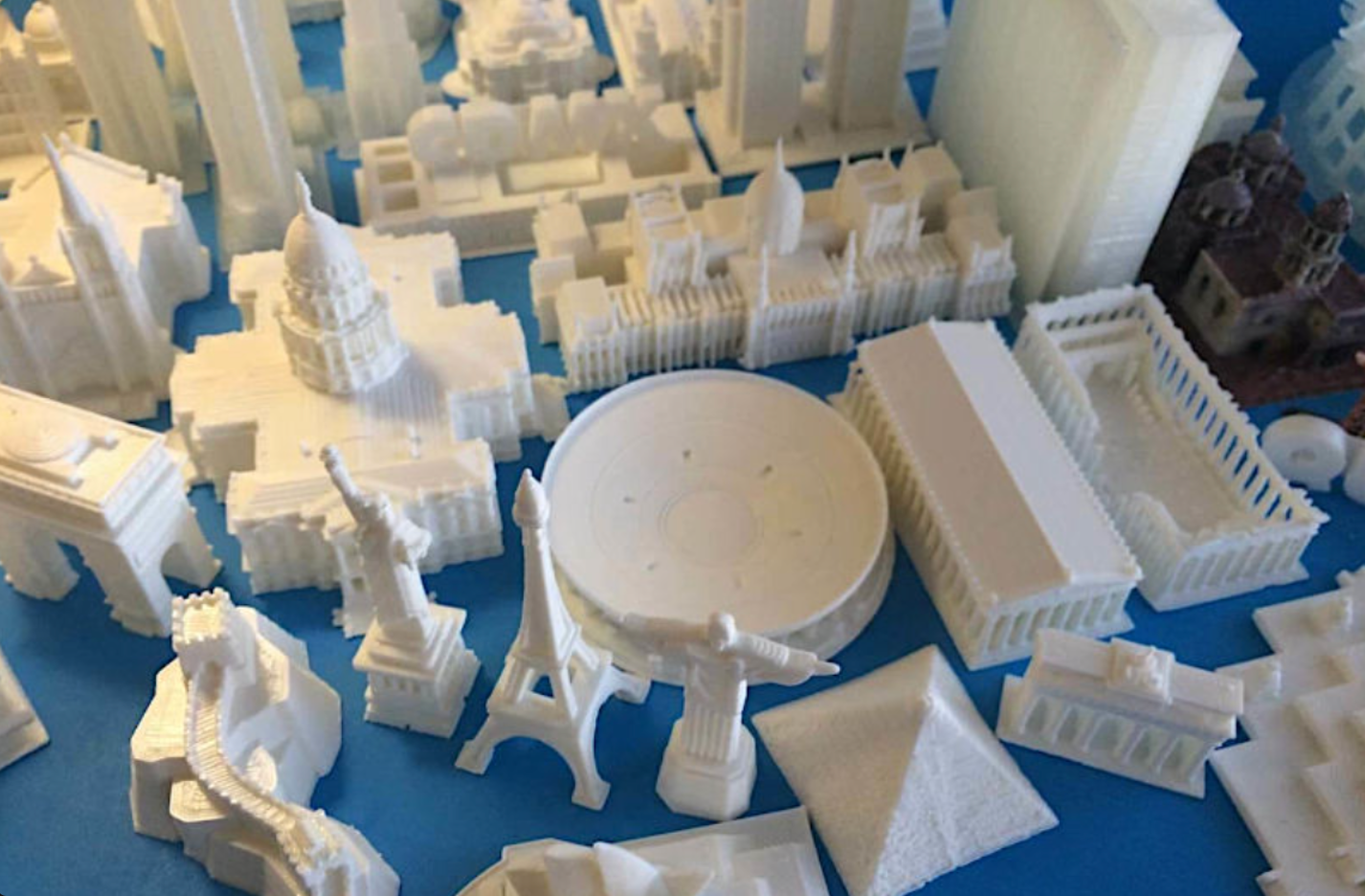
Choosing a landmark
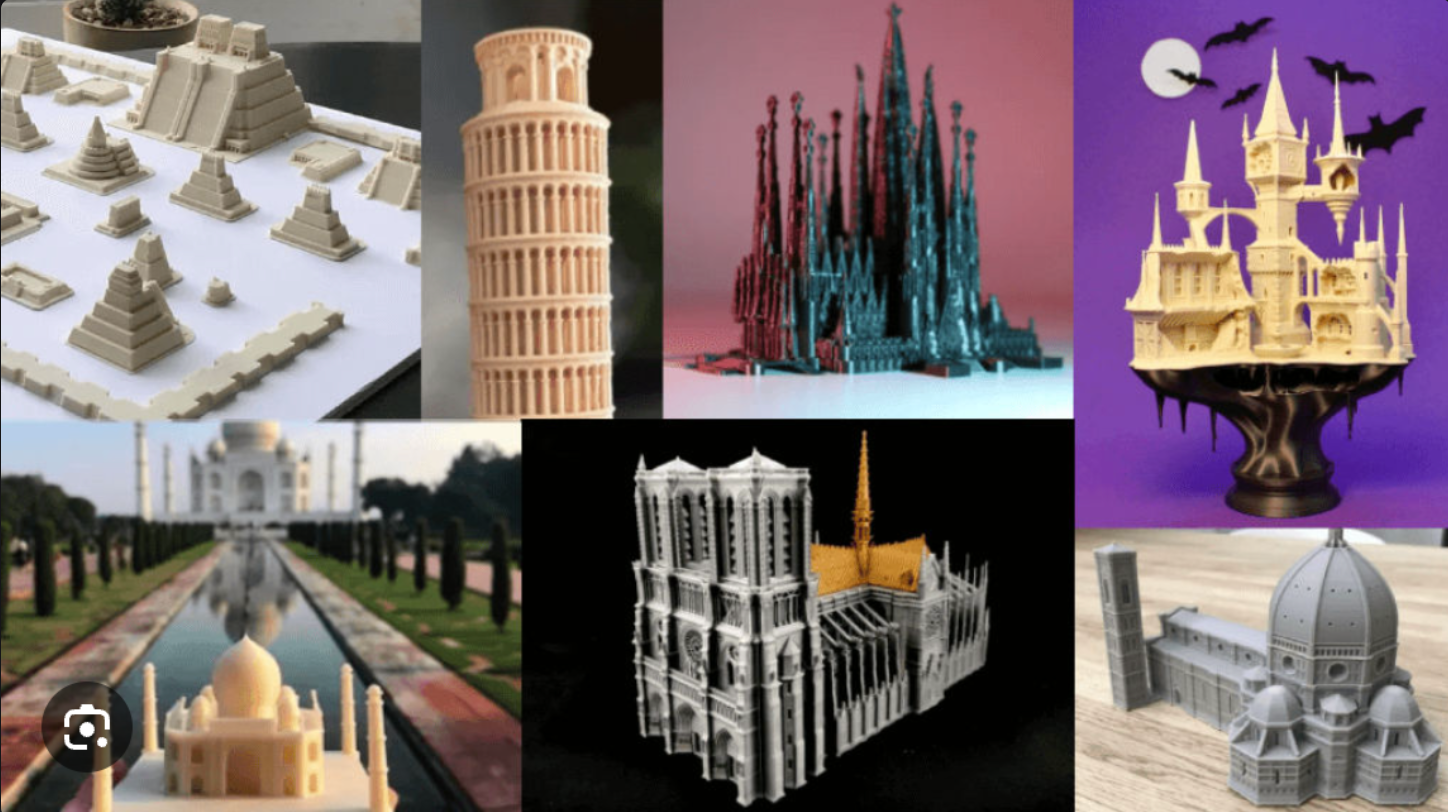
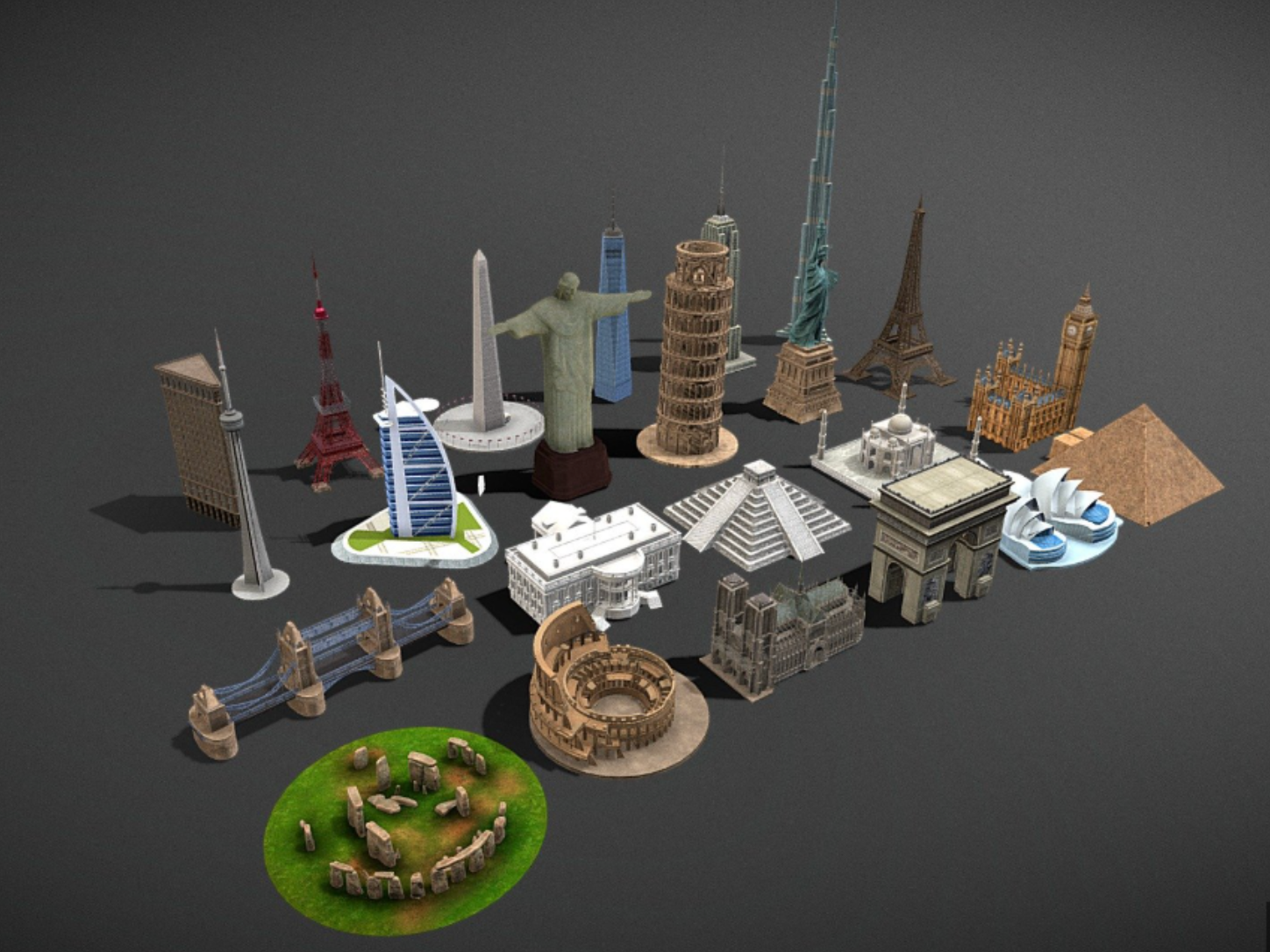
You may select an internationally known structure, a place connected to your community, or a structure that matters to you. Possible directions include towers, bridges, arenas, monuments, cultural buildings, historic structures, and distinctive local architecture.
Confirm your selection before beginning. Your teacher may limit duplicates so the class explores a wider range of structures.
Original work and respectful research
- Build the model yourself in Tinkercad; do not submit a downloaded or copied model.
- Use reference images and measurements as evidence.
- Identify the landmark’s correct name, location, and significance.
- Represent cultural or community landmarks accurately and respectfully.
- Simplify strategically rather than copying every decorative detail.
Success criteria
- The landmark is recognizable through its defining form and features.
- Scale and proportion are deliberate and supported by references.
- Complex architecture is simplified thoughtfully.
- Shapes, holes, alignment, duplication, grouping, and measurement are used with control.
- The model follows 3D-printing principles.
- Peer feedback and your response are documented on each of the three project days.
- Planning, sources, screenshots, feedback, and revisions appear in Notion.
- The final fly-through and model file follow the submission standards.
Assessment
Review the Landmark Project KTCA Rubric before planning, during revision, and before final submission. Knowledge, Thinking, Communication, and Application are each worth 25%.
Three-class process
Class 1: plan and begin
- Complete Landmark Project Planning.
- Create the main footprint and large forms.
- Check the overall height, width, depth, and silhouette before adding details.
- Export an STL backup.
Class 2: develop and refine
- Add the defining architectural features.
- Use measurement and testing to compare the model with references.
- Complete the Midpoint Design Check.
- Make an evidence-based revision.
Class 3: finish and submit
- Check proportion, recognizability, print orientation, overhangs, thickness, and connections.
- Complete the final design review and fly-through.
- Follow the submission instructions.
- Submit an optional physical print request.
- Complete the Mod 1 self-assessment.
Notion documentation
Your single Landmark Project Notion entry must include the planning, written recap, reflection, files and evidence, questions or problems, and feedback required for each of the three classes. The complete entry should show how the model and your thinking changed from planning through final submission.
Curriculum connections
A1.1–A1.5: Apply technological concepts, research, planning, communication, and evaluation criteria.
A2.1/A2.2/A2.6/A2.7: Manage, create, document, and measure the project.
A3.1/A3.3–A3.5: Address challenges, analyze performance, refine, and communicate the result.
B1.1: Consider how needs and context influence technological solutions.